Folders
Organize wallets into reusable folders, then manage each group’s name, color, and wallet selection.
Create a folder
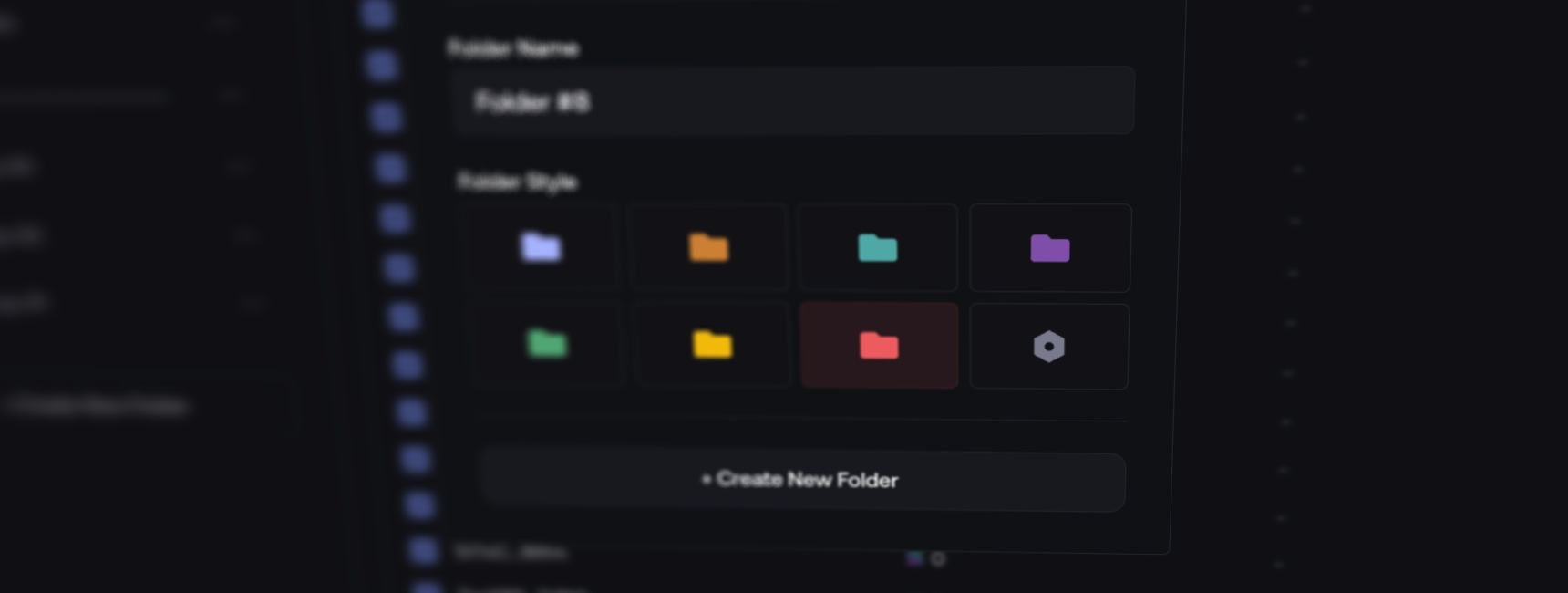
- In My Wallets, open the folder sidebar and select + Create New Folder.
- Enter a name, choose a color, and confirm.
- Select wallets → Manage → choose folders.
Manage folders
From the folder menu:
- Edit Folder: change the name or color.
- Archive Folder: hide it; restore it from Archived Folders.
- Delete Folder: permanently remove the folder.
Wallets stay in the main list; their assets are unchanged.
Delete wallets
Deleting a wallet removes it from your account.
- Recovery checks native balances above the threshold, not SPL/ERC-20 tokens.
- On EVM, Withdraw and Delete only withdraws native assets on the networks listed in the confirmation.
A withdrawal error may not block deletion. Withdraw separately and check balances, tokens and pending transfers on every network before deleting.